Chat
Notifications and muting
You choose how much each conversation asks of you. Open the bell at the top of a conversation (Notifications for this conversation).
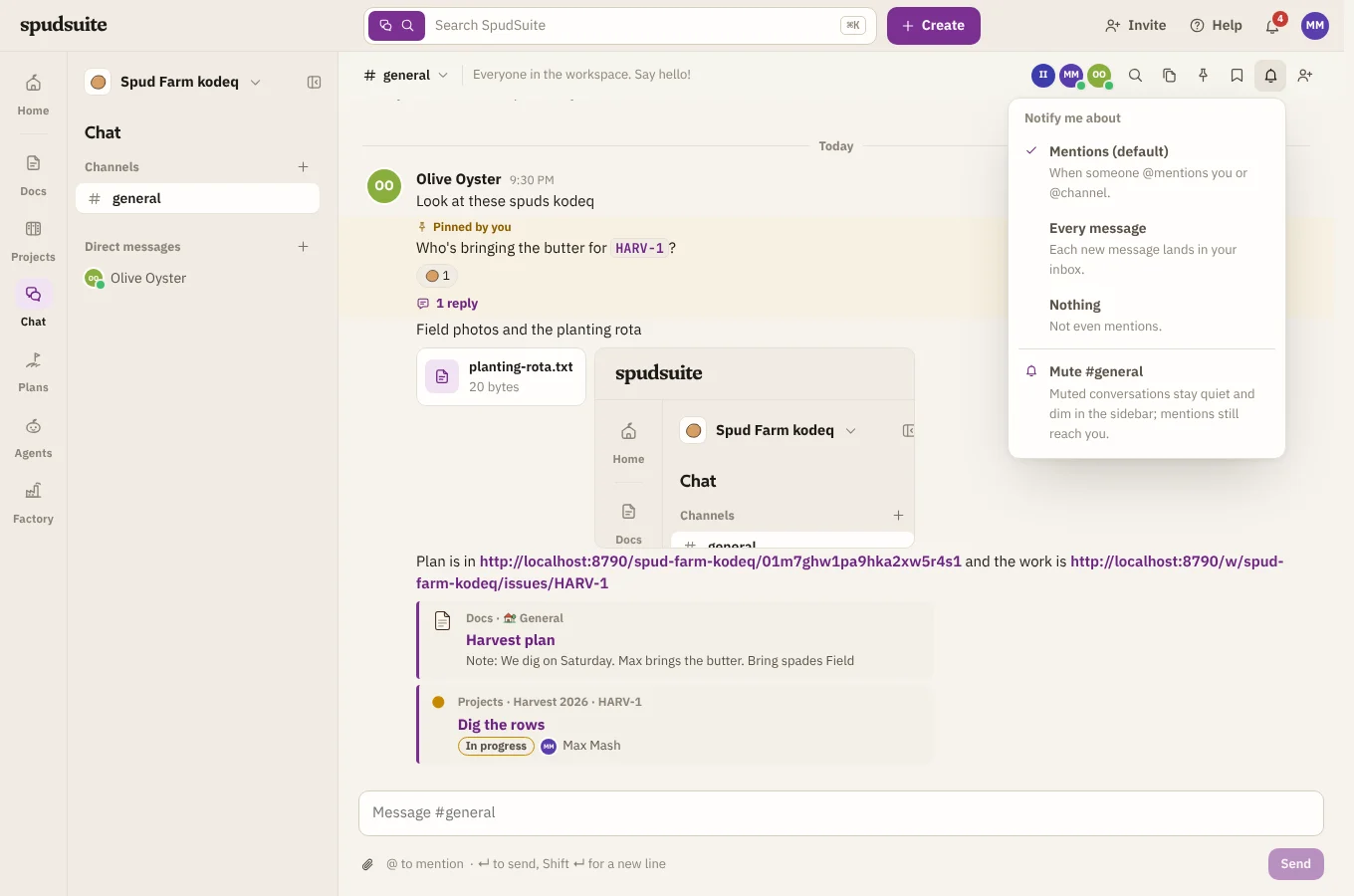
For a channel
| Choice | You hear about |
|---|---|
| Mentions (the default) | When someone @mentions you, or uses @channel |
| Every message | Each new message lands in your inbox |
| Nothing | Not even mentions |
For a direct message
| Choice | You hear about |
|---|---|
| Every message (the default) | Direct messages always reach you |
| Mentions only | Only when someone @mentions you |
| Nothing | Not even mentions |
Mute
Mute a conversation from the same menu. Muted conversations stay quiet and dim in the sidebar, but mentions still reach you.
Threads
You hear about replies in threads you've started or replied to.
On your phone
With the Android app, the same notifications arrive on your phone. Tap one to open the conversation.
By email
Mentions and direct messages you haven't read after 10 minutes are emailed to you as well. A conversation set to Nothing sends no email either. To turn the emails off, see Email notifications.