Admin
Plans and billing
Every workspace is on Free or Pro. The plan belongs to the workspace, not to a person, so everyone in a Pro workspace gets Pro, and nobody meets a paywall for something their team already pays for. Owners and admins choose the plan under Settings › Plan, which you can also reach from the workspace menu (Plan and billing).
What each plan includes
| Free | Pro | |
|---|---|---|
| Price | $0 | $19 a month for up to 10 people, $39 for 25, $69 for 50, $119 for 100 |
| Paying yearly | Ten times the monthly price: two months free | |
| Members | 4 | Up to the band's size |
| Guests | 4 | Unlimited, free |
| Files | 1 GB, up to 10 MB each | 100 GB, up to 100 MB each |
| Chat history | The last 60 days | All of it |
| Page history | The last 30 days | All of it |
| Runner minutes a month | 600 | 10,000, 20,000, 40,000 or 80,000 by band |
| Threads and runs at once | 2 | 5, 10, 20 or 40 by band |
| Runners | 1 | Unlimited |
| Factory projects | 1 | Unlimited |
| Run history | 30 days | A year |
| Automation rules in Projects | 5 | Unlimited |
Docs, Projects, Chat, Plans, live editing, search and publishing are the same on both. Prices are in US dollars, per workspace, not per person. More than 100 people? Write to hello@spudsuite.com.
Agents and Factory run on your own runners, with your own Claude account or key, so runner minutes are the time a run or thread's turn holds one of your runners, counted from the first of each month.
What you're using
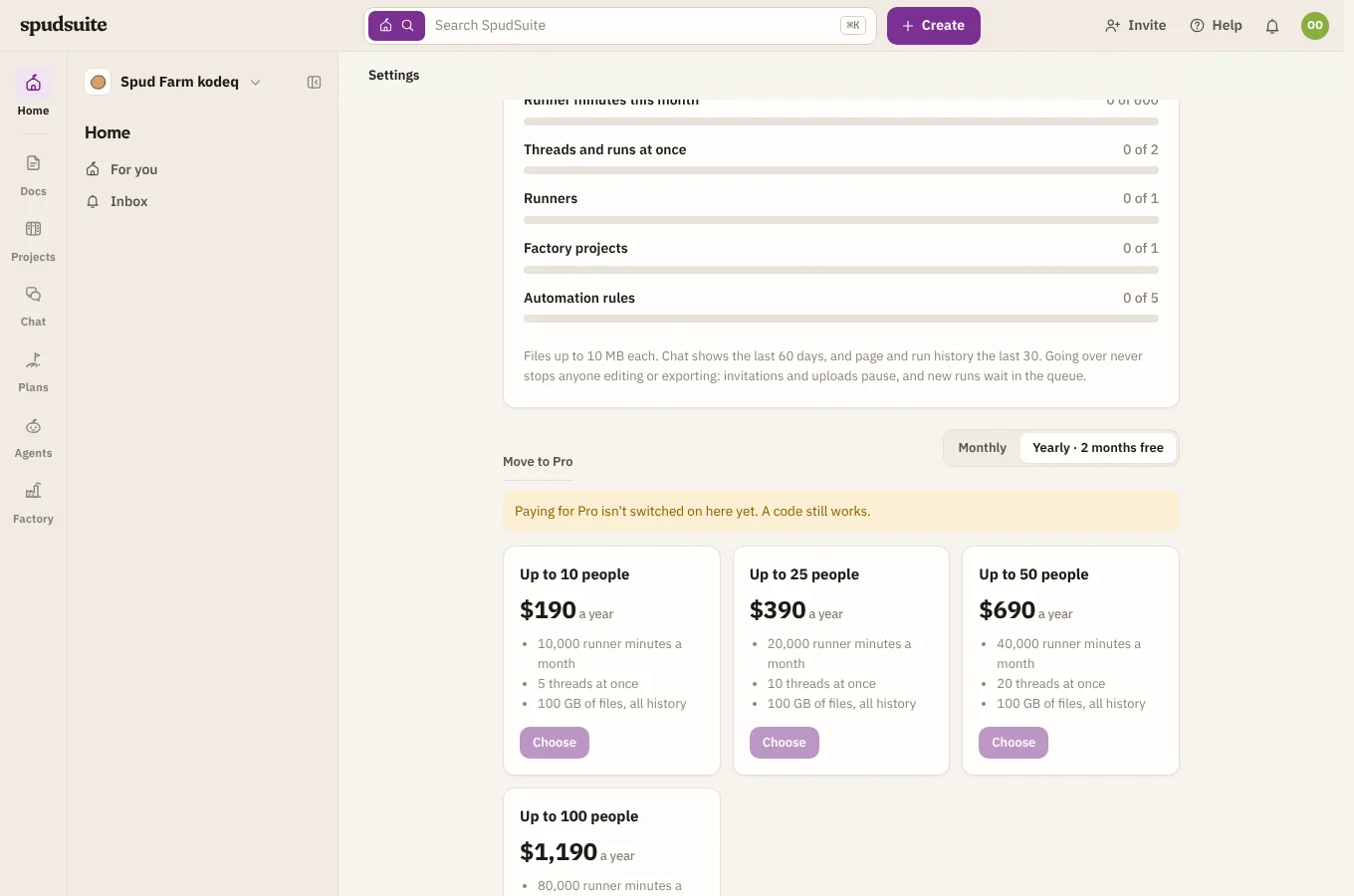
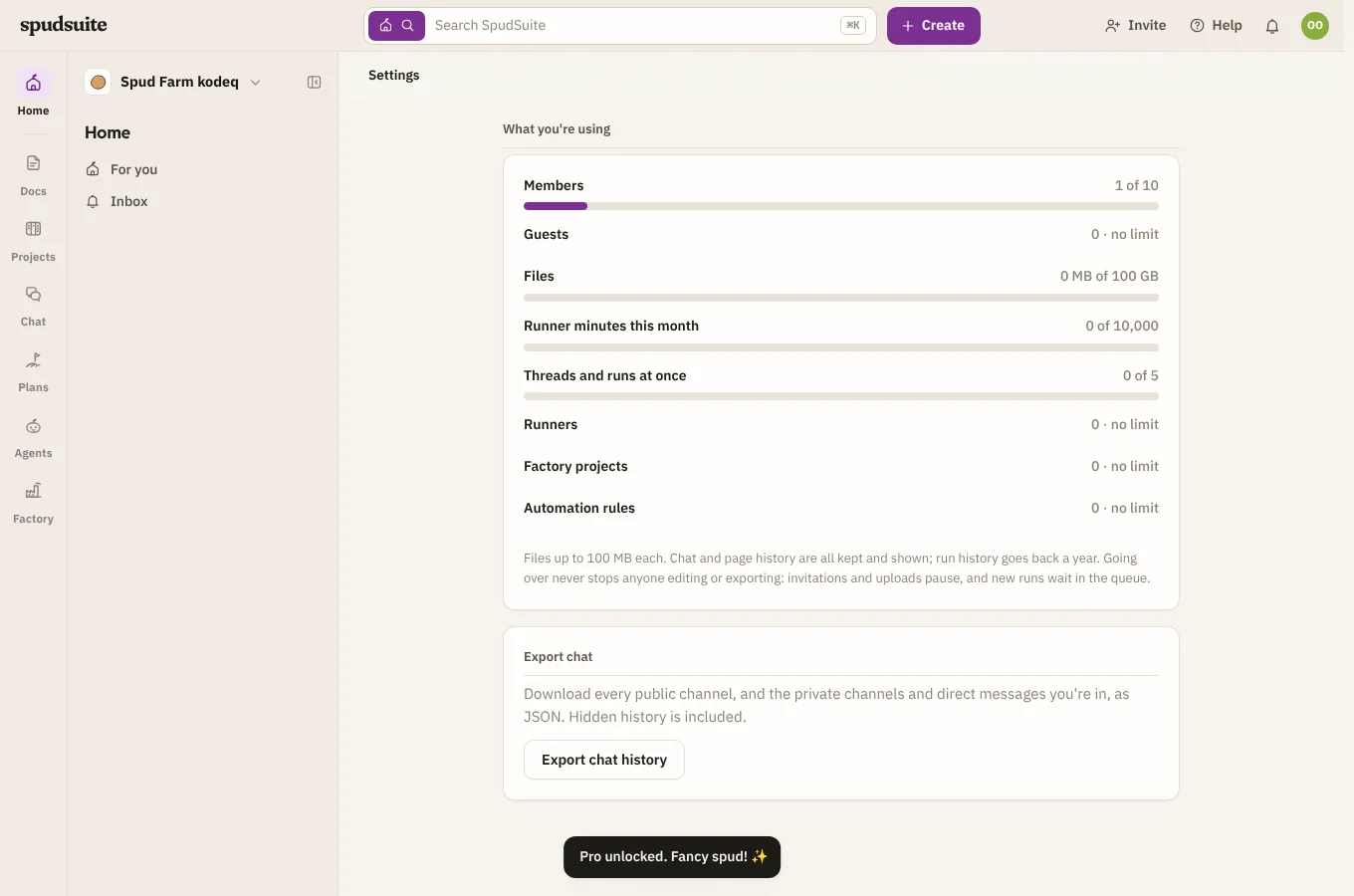
Settings › Plan shows each allowance as a bar. A bar turns yellow at 80%, with a note saying so, and red when it's full. Anyone in the workspace can see the page; only owners and admins can change the plan.
When you reach a limit
You don't have to visit Settings › Plan to find out. Each allowance is also shown where it applies, with a link to the plan page (Move to Pro for owners and admins, See plans for everyone else):
- Invite people says how many members or guests you have and how many more fit. When there's no room, its buttons are turned off.
- Agents › Runners says Free connects one runner, and once you have it, shows that instead of the install commands. Approving another runner's pairing code says so, with See plans, and the code keeps waiting until there's room.
- Factory says Free has one project at a time, and turns Start off while you have one.
- A project's Automation settings count the workspace's rules from 4 of 5, and hide New rule when all 5 are used.
- Agents › Runs says how far back it shows.
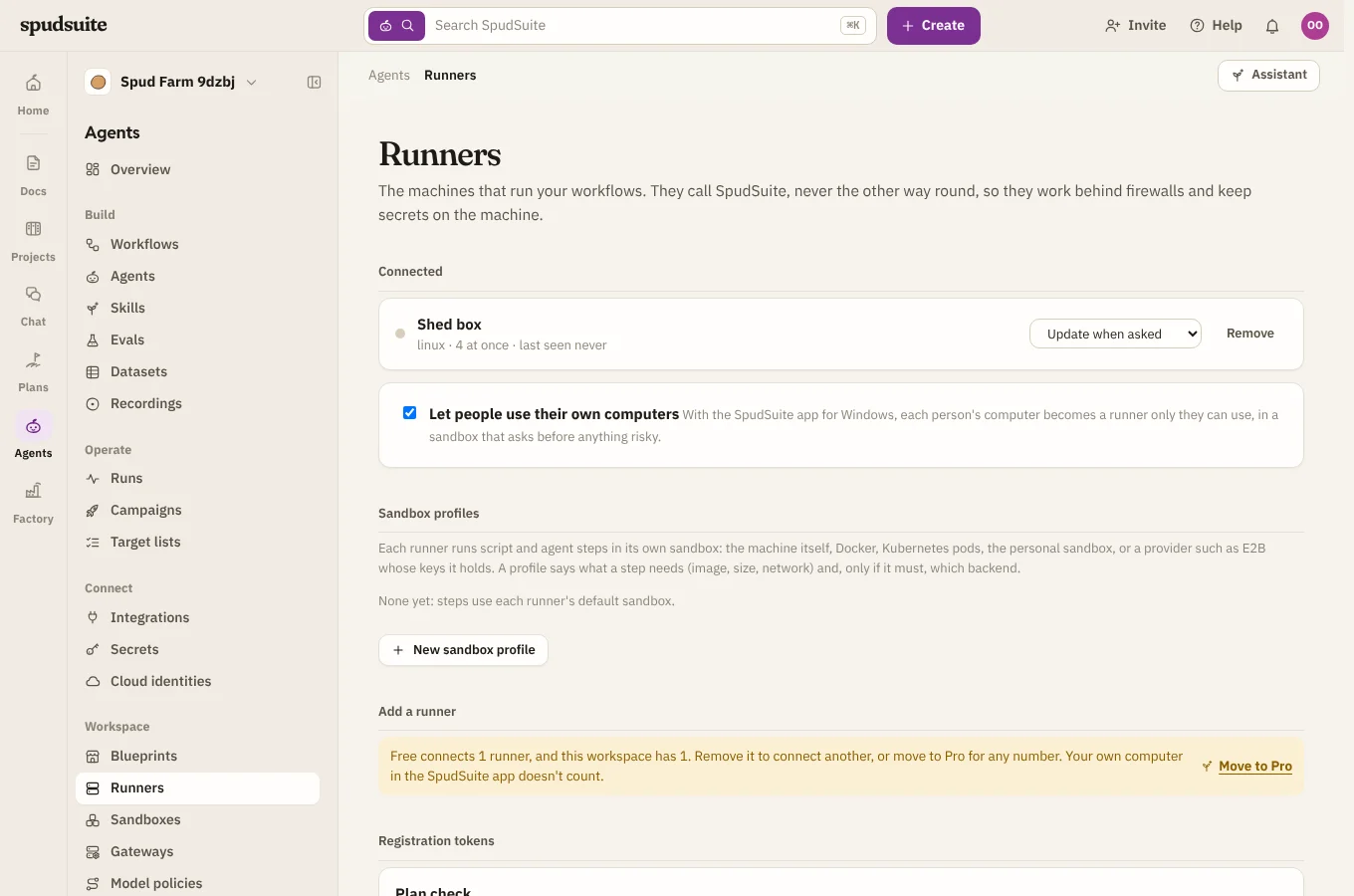
If you meet a limit anyway, the message has a See plans button. Going over never deletes anything, and never stops anyone editing or exporting what they've made.
- People: invitations pause, and an invitation sent earlier can't be accepted until there's room. Nobody is removed.
- Files: uploads pause. Nothing is deleted. Files in chat older than 60 days are hidden on Free and don't count toward the 1 GB.
- Runner minutes, and threads at once: a thread or run that's already going finishes. New ones wait in the queue until a place frees up, the month resets or the team upgrades.
- Runners, Factory projects and automation rules: you can't add another. Remove or delete one to make room.
- Chat older than 60 days: hidden, with a line at the top of each channel saying how many older messages are kept. They come back as soon as the workspace is on Pro. An owner can always export the whole history.
- Page history older than 30 days: hidden from Page history, and back on Pro.
Move to Pro
- Go to Settings › Plan.
- Pick Monthly or Yearly.
- Choose the band that fits your team and select Choose.
- Pay on Stripe's checkout page. You come back to Settings › Plan, and Pro is on within a few seconds.
Pro renews automatically until you cancel.
Change band, cards or invoices
- To move to a bigger or smaller band, or between monthly and yearly, select Switch on the band you want. Stripe charges or credits the difference for the rest of the period. You can't pick a band smaller than the members you have.
- To change the card, see invoices and receipts, or cancel, select Manage billing. It opens Stripe's billing page.
Cancel
Cancel in Manage billing. Pro stays on until the end of what you've paid for, and Settings › Plan says when it ends. Then the workspace moves to Free: anything over Free's allowances is kept, and simply paused or hidden as described above.
If a payment fails, Stripe tries again over the next few days and Pro stays on meanwhile. Settings › Plan tells you to update the card.
A workspace that still pays for Pro can't be deleted. Cancel first, then delete it from Settings › Workspace.
Export chat
Owners can select Export chat history at the bottom of Settings › Plan. It downloads every public channel, and the private channels and direct messages you're in, as a JSON file, including messages hidden on Free.
Got a code?
If the SpudSuite team gave you a code, enter it under Got a code? on Settings › Plan to put the workspace on Pro for up to 10 people.
Pro from the SpudSuite team
Sometimes the SpudSuite team puts a workspace on Pro for you, for testing or as a thank-you. Settings › Plan then says it was Given by the SpudSuite team, and there's nothing to pay or cancel. If the team moves it back to Free, nothing is deleted: anything over Free's allowances is paused or hidden as described above.