Admin
Workspace settings
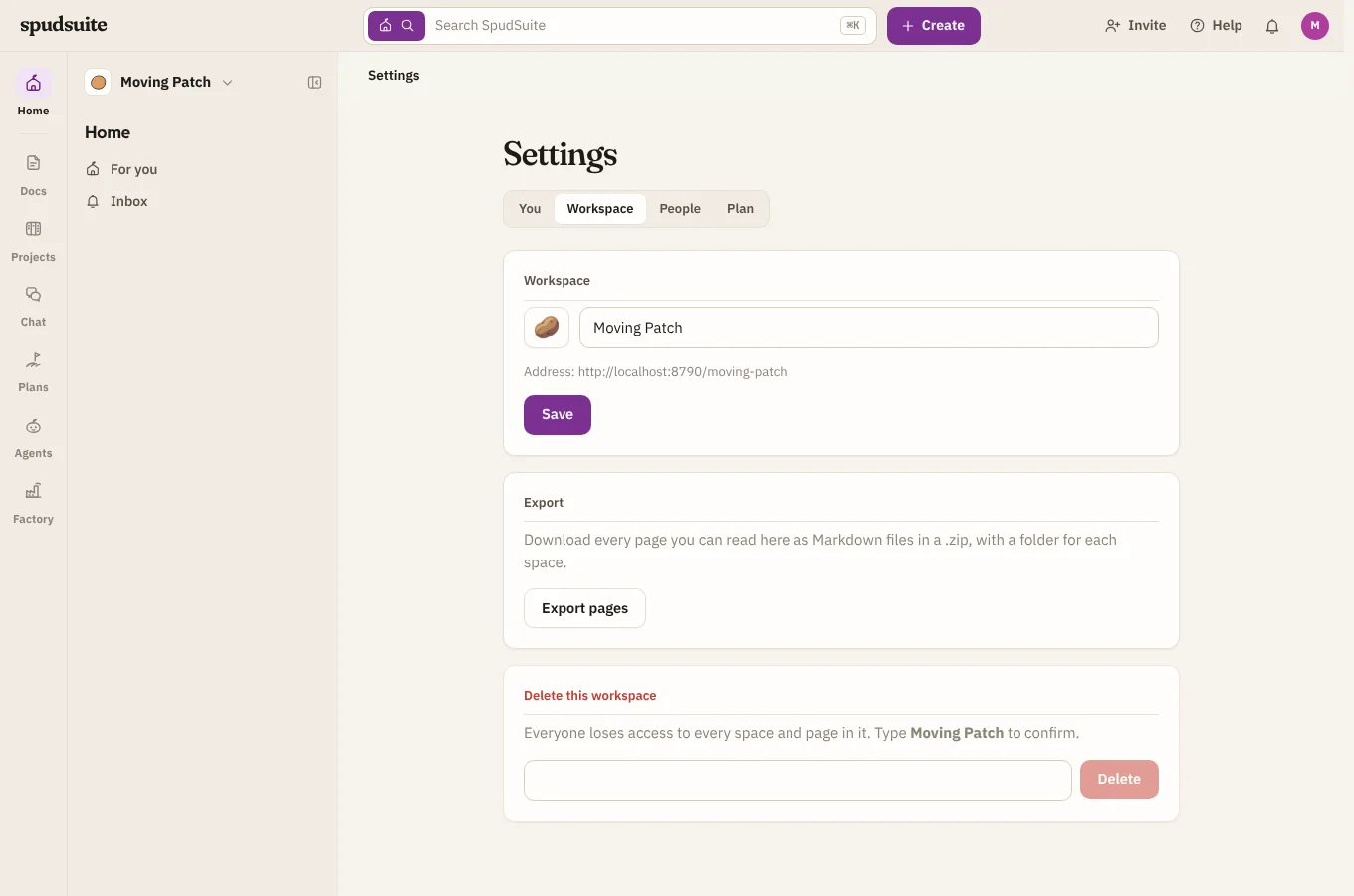
Owners and admins change the workspace itself under Settings › Workspace. Members and guests can see this tab, but its name and icon are read-only for them.
Name, icon and address
Change the workspace's name and pick an icon (an emoji). The address is shown underneath, such as docs.spudsuite.com/acme. Links to pages, issues and channels keep working when names change, because they carry an id as well as a readable name.
Spaces
Workspace admins can see and manage every space, including private ones. Each private space also has its own admins, who choose its people (see Spaces and pages).
Agents
A few Agents settings are for admins:
- Runners: connect, approve, update and remove runners, and make registration tokens. See Installing a runner.
- Organisation: blueprints, runners and their sandboxes, gateways, model policies, skill sources and eval platforms. See the build catalog.
- The assistant: its model, gateway and which runners answer it. See The assistant.
- API keys and the audit log. See API keys and The audit log.
Export your pages
Anyone in the workspace can choose Export pages under Settings › Workspace. You get a .zip of every page you can read, as Markdown files: a folder for each space, and a folder beside each page that has pages inside it. Pages you can't see, in private spaces or behind a view restriction, are left out. To take one page as a Word document, use Export in that page's menu instead.
Delete the workspace
Only an owner can do this, at the bottom of Settings › Workspace. Type the workspace's name to confirm and choose Delete. Everyone loses access to every space and page in it, so be sure.
A workspace that still pays for Pro can't be deleted until its subscription is cancelled (see Plans and billing).